

How to increase traffic to your exhibition stand without increasing your budget?
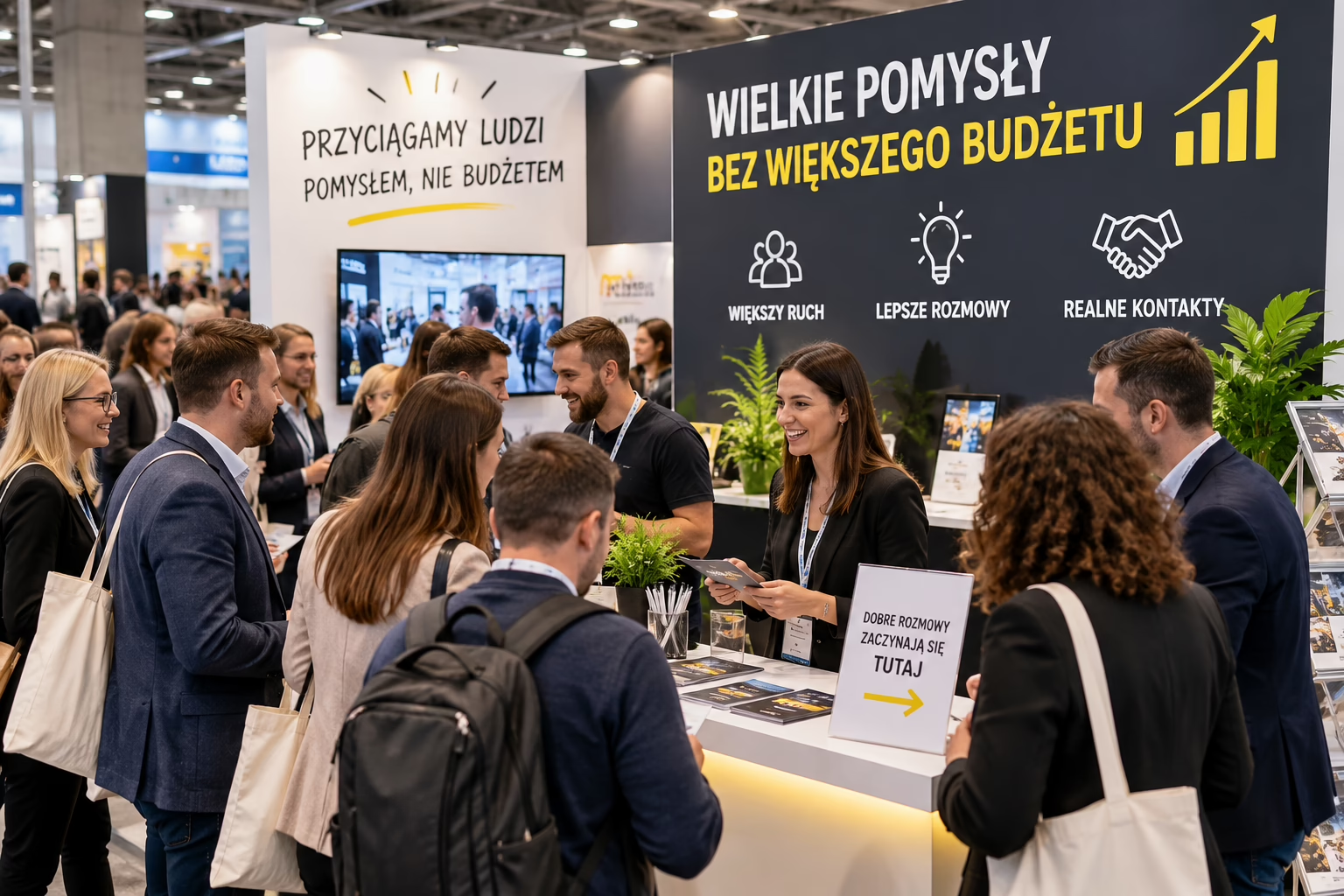
A bigger budget doesn't guarantee more traffic at your stand. Trade show visitors often decide in a few seconds. They stop where they immediately understand the offer, see a benefit and feel they can walk up freely. So instead of adding more equipment, first sort out your messaging, space and how your team works.
If you're wondering how to attract customers to an exhibition stand without increasing spending, start with simple changes. You can put some of them in place before your next event.
Start with one goal for the stand
A stand shouldn't try to sell, educate, present the whole offer, recruit and build awareness all at once. When you try to say everything, visitors remember nothing.
Choose one main goal. It might be:
- collecting contacts of potential customers,
- booking a consultation or demo,
- showing a new product,
- reaching a specific group, such as distributors,
- inviting attendees to a conference or webinar.
The goal shapes the message, stand layout and staff tasks. If you want conversations, you need an easy entrance and a place for a short meeting. If you're presenting a product, put it close to the walkway and prepare a simple demo.
Simplify the main message
Your logo and company name don't explain why visitors should stop. On the main graphic, show a specific benefit or the problem you solve. The message should be understandable without talking to a sales rep.
Instead of a slogan like “Comprehensive business solutions”, use something like “Cut report preparation to three steps” or “Product packing without manual labelling”. Such a sentence lets visitors quickly judge whether the offer is for them.
Check the message with a three-question test
Show the design to someone who doesn't know your company and give them a few seconds. Then ask:
- What does this company do?
- Who is the offer for?
- What can you do at the stand?
If the answers are unclear, remove some of the text and enlarge the key message. Don't try to fit a full company presentation on one wall.
Use the graphics you already have
You don't always need a new structure. In many systems you can replace just the graphic and adapt the message to a specific event. This is a practical solution when the structure still does its job but the existing design is overloaded or doesn't suit the audience.
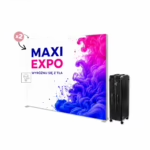
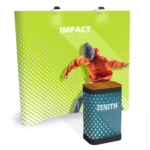
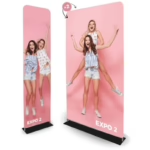
A large, uniform surface helps create a clear backdrop. An example is Atlantis Straight, a TUBE fabric wall. If the layout should lead visitors inside more gently, consider the Atlantis Curved fabric wall.
When designing the print graphic, keep a clear hierarchy:
- largest element: the main benefit or product category,
- second level: a short explanation of the offer,
- third level: a call to action,
- supporting: logo, website address or QR code.
The customer supplies their own print-ready design. Before sending the file, check that important content won't end up behind the counter, a monitor or a person standing on the stand.
Open the stand up to visitors
Even a good graphic won't help if furniture, boxes or staff block the entrance. Stand in front of the stand and look at it from the point of view of someone walking down the main aisle.
Remove obstacles from the entrance. Move the counter to the side if it forms a barrier. Put away transport packaging, spare materials and the team's personal belongings. Arrange chairs so seated people don't turn their backs on passers-by.
In a small space, divide the stand into three simple zones:
- attention zone: a message visible from the aisle,
- conversation zone: a place to quickly identify needs,
- presentation zone: product, screen, sample or demo.
Improve visibility without adding lots of displays
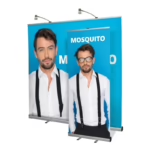
More roll-ups don't always mean more visibility. Several different designs side by side can create chaos. One dominant display and consistent supporting materials work better.
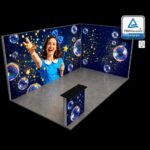
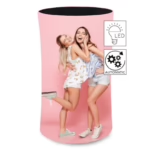
If you use a backlit system, the light should support one key message. The modular LUNIX™ PRO LED trade show system can serve as a backdrop or part of the build. For frequent, mobile presentations another option to consider is the LED BOX™ Compact with print.
Don't put a backlit wall behind a large screen or a tall shelf unit. The most important part of the graphic must stay visible from the usual direction visitors walk.
Prepare the team to start conversations
Staff often have the biggest effect on traffic. Closed body language, using phones and chatting among themselves effectively put people off approaching.
Prepare three short opening questions. They should relate to the customer's situation, not force a “yes” or “no” answer.
Examples:
- “How do you currently handle this stage of the process?”
- “Which area matters most to you at this show?”
- “Are you looking for a solution for one branch or for the whole organisation?”
Avoid asking “Can I help you with anything?”. It's easy to say no. Don't start with a long company presentation either. First find out who you're talking to and what they need.
Agree roles before the hall opens
One person can start conversations, another run demos and a third record contacts. With a smaller team, roles can change during the day. What matters is that everyone knows what they're responsible for.
Also plan breaks. A tired staff member speaks more quietly, makes less eye contact and ends conversations sooner.
Give visitors a specific reason to stop
A giveaway can increase the number of visits, but it won't necessarily attract the right people. Instead of handing out random items, offer a short activity linked to your offer.
It could be:
- a two-minute problem audit,
- a comparison of two product variants,
- a short demo at set times,
- a sample to try,
- a checklist sent after scanning a QR code,
- a consultation on a specific process.
The activity should be short and visible from the aisle. If it takes several minutes to explain, visitors may move on before they understand the rules.
Invite your audience before the show
Don't wait for visitors to find your stand by chance. Use the channels you already have: your newsletter, social media profiles, staff email signatures and direct contact between sales reps and customers.
In the invitation, give the stand number, hall location and a specific reason to visit. Instead of writing “Visit our stand”, say: “At the stand we'll show three ways to shorten the implementation process. Demos start on the hour.”
Sales reps can arrange short meetings in advance. That way the stand won't be empty at the start of the day, and the presence of visitors may encourage others to come over.
Comparison of actions that don't increase the budget
| Problem | Change | Expected organisational effect |
|---|---|---|
| Visitors walk past the stand | Shorten the slogan and show one benefit | The offer is understood faster |
| The entrance looks closed | Move the counter and remove unnecessary furniture | Easier approach |
| The team waits for questions | Prepare opening questions and roles | More conversations started |
| The graphic is overloaded | Cut the text and highlight one message | Better legibility from the aisle |
| The wrong people come | Offer an activity linked to your offer | Better-matched visitors |
| Traffic starts too late | Book meetings before the event | Scheduled visits from the start of the show |
Measure more than the number of visitors
High traffic isn't a goal in itself. A stand can attract many people who don't fit the customer profile. Set up a simple way of recording results.
After each conversation, tag the contact with the next action, for example: send materials, prepare a quote, book a demo or follow up later. Also note the topic of the conversation. A business card alone won't tell you much after a few days.
After the event, hold a short debrief. Check which slogan prompted questions, which direction most people came from and what blocked the entrance. This information will let you improve the next stand without buying new equipment.
Frequently asked questions
How do you attract customers to an exhibition stand without giveaways?
Focus on a clear message, a short demo and an active team. Visitors should quickly see what problem you solve and what they'll gain by stopping to talk.
Should the stand graphic show your whole offer?
No. Choose the main category, benefit or customer problem. Present the details during the conversation, on a screen or in materials sent after the show.
Where is the best place for the counter?
The counter shouldn't close off the whole entrance. Place it at the side or further back, leaving an open route to the presentation zone. The exact layout depends on the area and number of open sides of the stand.
Will a backlit wall always increase traffic?
Backlighting improves the graphic display, but it won't replace a good message. If the design has too much text or is covered, light alone won't solve the problem.
When should you prepare display materials?
Start work once the space, event rules and stand design are confirmed. Thanks to long-standing cooperation with large-format print houses, Maxi Expo usually prepares and prints products within 2–5 working days. Allow time for design, approval and transport in your plan.
Summary
The answer to how to increase stand traffic without increasing the budget usually doesn't start with shopping. First shorten the message, open up the space, prepare the team and invite your audience before the event. Make use of the system you have by replacing the graphic or changing its placement.
If you need to choose a fabric wall, LED system, counter or modular equipment for a specific hall and stand plan, contact Maxi Expo. We'll help match the system to the event, the space available and your budget. We'll prepare the product, large-format printing and transport.